Rating: 5/5 stars
Exceptional quality and support. Highly recommended for any FiveM server. The code is clean, well-documented, and easy to customize.
🎉 New Customer? Use code "WELCOME10" for 10% OFF your first purchase!

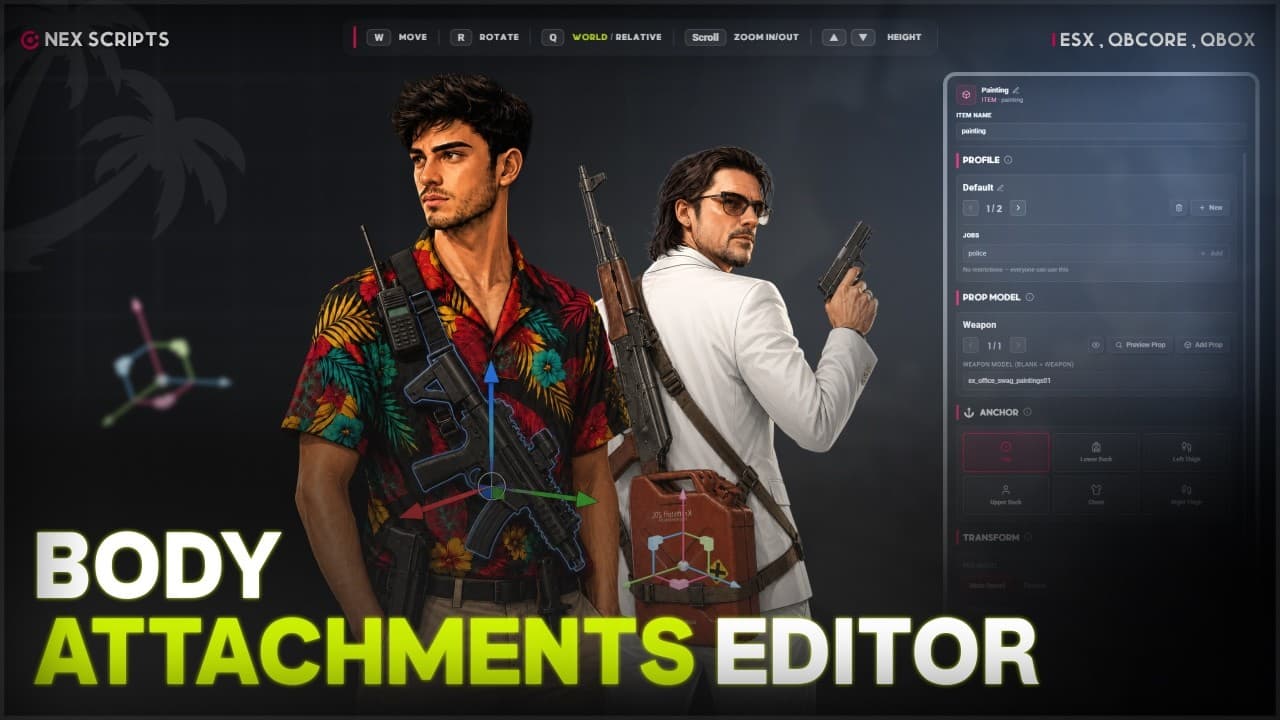
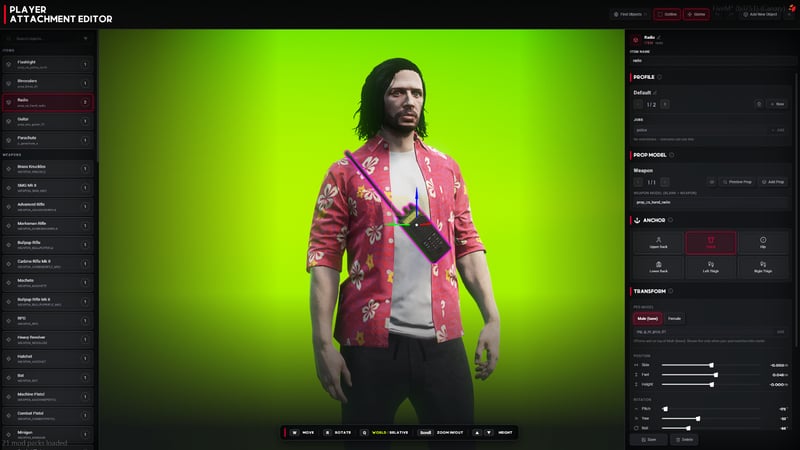
Attach any prop to a player's body — rifles on the back, pistols on the hip, a radio on the chest — and place it live in-game with a real drag gizmo. No editing coordinates in a config file, no resource restarts. Move and rotate on every axis in World or Relative space, snap to step sizes down to 1mm and 0.5°, with full undo/redo history.
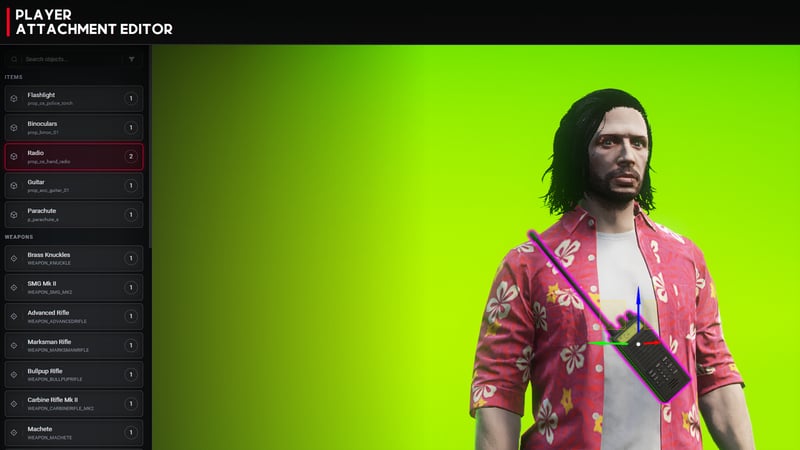
Three attachment types out of the box. Weapons show automatically when owned but holstered (and hide the instant you draw them). Items show while the player has them in inventory. Manual props toggle on and off however you script them. Ships preconfigured for the full GTA V weapon roster plus common items like radio, parachute, guitar and flashlight.
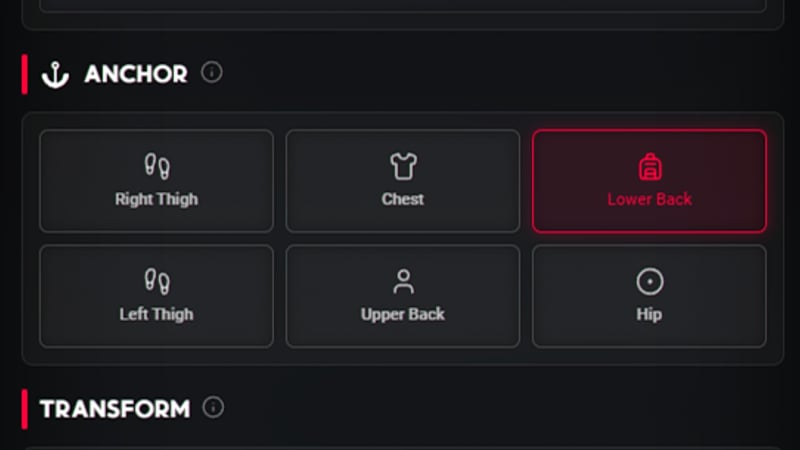
Six ready-made body anchors — Upper Back, Lower Back, Chest, Left Thigh, Right Thigh and Hip — all fully editable. Dial in Side, Forward and Height position sliders (±0.5m, 1mm steps) and Pitch, Yaw, Roll rotation, then switch anchors while keeping the exact world pose or resetting to default. Anchors are data-driven, so you can add your own.
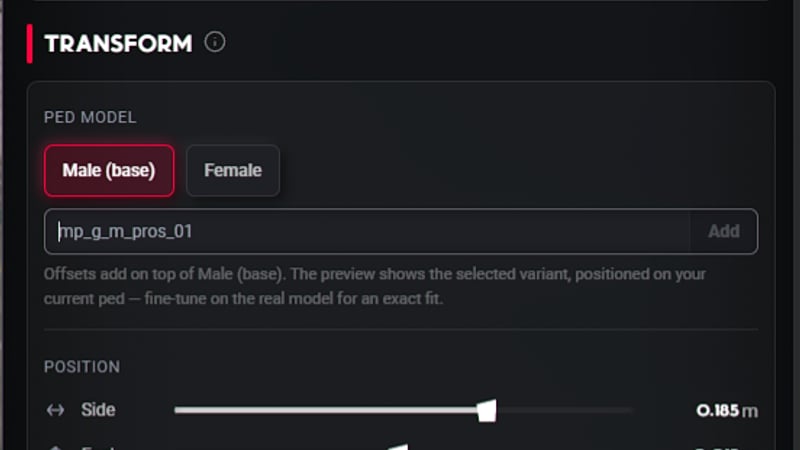
Male and female bodies aren't shaped the same — so every placement stores separate position and rotation offsets per ped variant. Add optional overrides for any custom ped model too. The right offset is picked automatically from the wearer's model at render time, so props never clip or float when the ped changes.
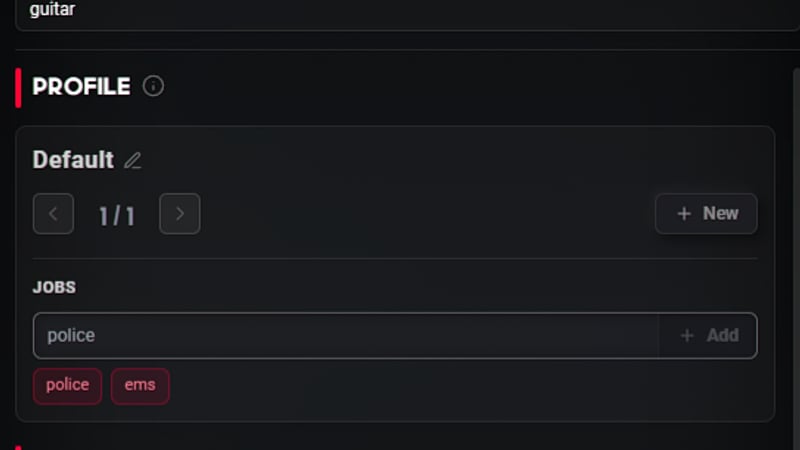
Give any attachment multiple placement profiles — different looks for the same gear — and lock them to specific jobs and grades. Players switch freely among the styles they've unlocked through the /itemstyle menu or the F8 quick-switch, and their choice is remembered. Perfect for police, EMS, gangs, or any role-based loadout.
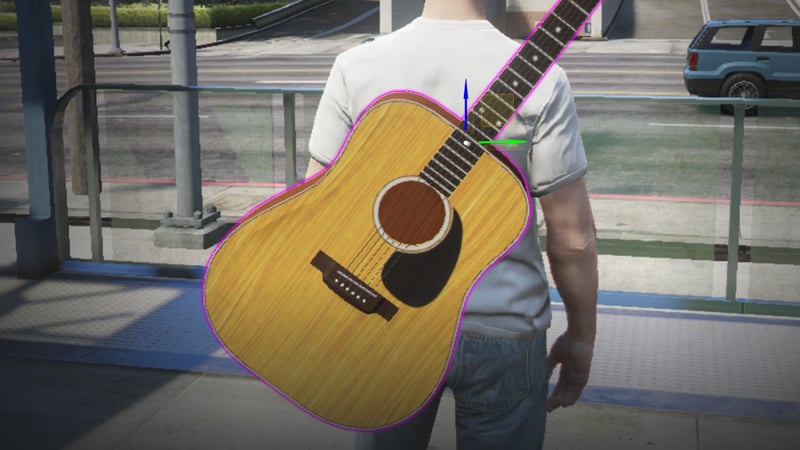
The editor drops you onto a cinematic camera stage — the ped freezes, a color grade kicks in, and an orbit free-cam (right-mouse to orbit, WASD, scroll to zoom) with a passive framing cam keeps your selected prop perfectly in shot. A smooth ease-back returns you to gameplay when you close. A neumorphic NUI with a searchable object list, per-section help tooltips, a magenta outline highlight and a guided Add-Object wizard make setup effortless.

When two props sit on the same bone and would z-fight, stacking automatically pushes the outer one out so weapons layer cleanly instead of clipping through each other. Per-object modes — Off, Auto, Closer, Top — give you control, and the ordering is deterministic so it never flickers or reshuffles between restarts.
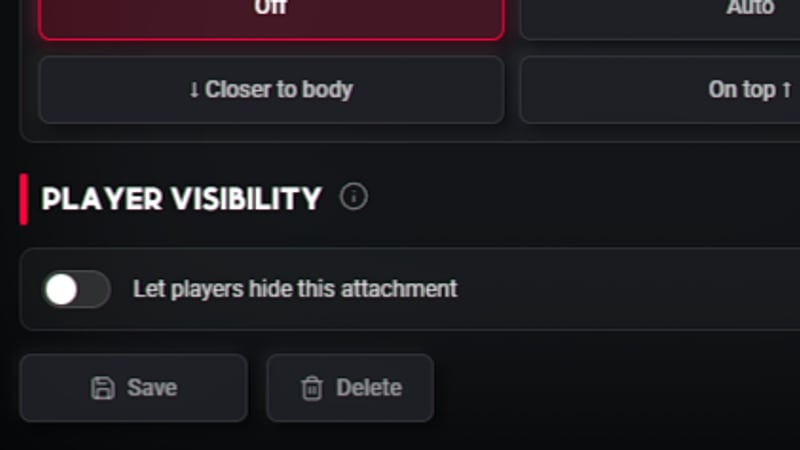
Props hide themselves automatically in vehicles, while swimming, on ragdoll or when dead — all configurable per profile. Your own newly-equipped props smoothly fade in (0–5s, adjustable) for a polished first-person feel. Server exports let you temporarily hide all attachments for cutscenes, strip searches or minigames, and players can be allowed to hide individual pieces themselves.
Our customers love our FiveM scripts and resources. Here is what they are saying:
Exceptional quality and support. Highly recommended for any FiveM server. The code is clean, well-documented, and easy to customize.
Best investment for my server. Clean code and easy to customize. The team provides excellent support and regular updates.
Great value and performance. The documentation is comprehensive and the community is very helpful.